Asymmetric Digital Subscriber Line (ADSL)
- , by Paul Waite
- 8 min reading time
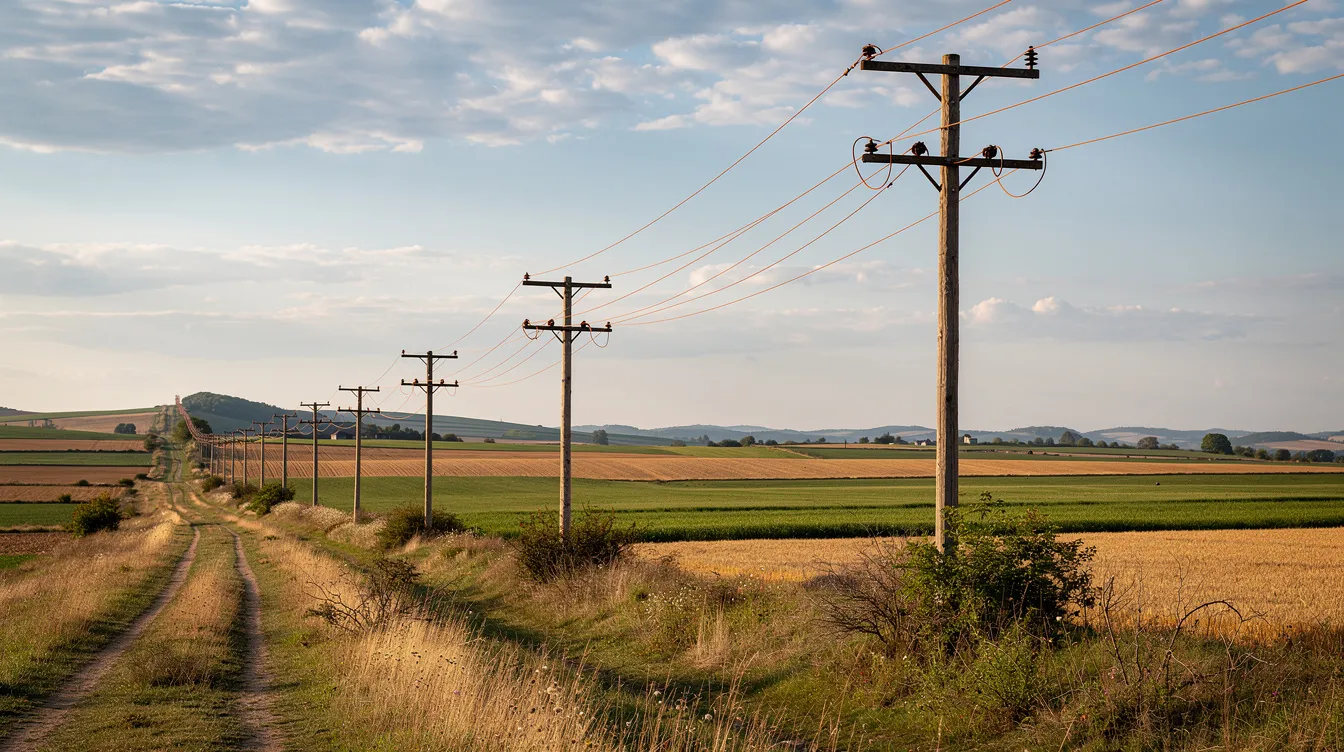
If you’ve had home broadband in the UK over the past two decades, there’s a good chance your internet connection relied on asymmetric digital subscriber line technology. While fibre optic broadband is rapidly expanding, ADSL remains active in many homes across the country—particularly in rural areas still awaiting upgraded infrastructure.
Quick overview of ADSL
ADSL broadband emerged as a mainstream technology in the early 2000s, delivering internet access over the same copper wires that carry telephone calls. Even in 2026, it remains installed in many UK properties where fibre broadband hasn’t yet reached.
The core principle is simple: your existing phone line transmits data at higher frequencies while preserving voice services on lower frequencies. This allows simultaneous telephone calls and internet use—a major improvement over dial-up connections that tied up the line completely.
Real-world performance varies significantly. Legacy standard ADSL typically delivers download speeds around 8–10 Mbps, while ADSL2+ can achieve speeds up to 20–24 Mbps under ideal conditions. However, most users experience considerably slower rates due to distance from the telephone exchange and line quality.
Compared to fibre optic broadband and cable connections, ADSL is noticeably slower and increasingly seen as legacy technology. Yet it remains a reliable internet option where alternative options simply don’t exist.
What is Asymmetric Digital Subscriber Line (ADSL)?
ADSL stands for Asymmetric Digital Subscriber Line—a broadband technology that sends digital data over the higher-frequency spectrum of standard copper telephone lines. It’s part of the broader DSL family, which includes variants like SDSL and VDSL.
The term “asymmetric” refers to the deliberate imbalance between downstream bandwidth and upstream bandwidth. A typical ADSL broadband connection might offer 12 Mbps download speeds but only 1 Mbps upload speeds. This asymmetric digital design reflects how home users typically consume far more data than they upload through browsing, streaming, and downloads.
Key characteristics of ADSL include:
-
Uses existing PSTN copper telephone lines (local loops)
-
Downstream speeds significantly faster than upstream
-
Enables concurrent voice and data on the same line
-
Performance degrades with distance from the local exchange
Today, ADSL service primarily serves rural areas, small businesses, and locations where FTTC or FTTP infrastructure hasn’t been deployed.
How does ADSL work?
An ADSL connection works by dividing your copper phone line into separate frequency bands. Voice occupies the lowest frequency range (0–4 kHz), while data uses higher frequencies—upstream signals between 25–138 kHz and downstream up to 2.2 MHz on ADSL2+.
At your premises, a DSL filter (microfilter or splitter) separates these signals. This small device plugs inline before each landline phone or analogue device, preventing interference between voice and data traffic.
The signal path from your home to the internet follows these steps:
-
Your ADSL modem connects to the wall socket via the splitter
-
Data travels along the copper “local loop” to the telephone exchange
-
A DSLAM (Digital Subscriber Line Access Multiplexer) aggregates hundreds of lines
-
The DSLAM routes your traffic to the provider’s network backbone
ADSL uses DMT (Discrete Multi-Tone) modulation, splitting the line into hundreds of small sub-channels. This allows the system to adapt dynamically, using channels with better signal-to-noise ratios more heavily.
Distance critically impacts your broadband connection speed. Near the exchange (under 2 km), you might achieve speeds of 18–20 Mbps. At 5 km, this can drop to just 1–2 Mbps. Line noise, poor internal wiring, and extension sockets further reduce attainable speeds.
ADSL, ADSL2 and ADSL2+ standards
The digital subscriber line standards evolved through several iterations:
-
ADSL (G.992.1, 1999): Up to 8 Mbps down / 1 Mbps up, using frequencies to 1.1 MHz
-
ADSL2 (G.992.3, 2002): Up to 12 Mbps down, improved noise handling and diagnostics
-
ADSL2+ (G.992.5, 2003): Up to 24 Mbps down / 3.5 Mbps up, extending to 2.2 MHz
ADSL2+ doubles the usable frequency range, enabling faster data transmission through additional sub-channels. However, UK providers typically advertise “up to 16 Mbps” to reflect realistic performance given average line conditions.
ADSL and telephony on the same line
One of ADSL’s significant advantages was enabling simultaneous phone and internet use—impossible with dial-up connections that monopolised the line.
This works through frequency division. Traditional telephone calls occupy the lowest band, while ADSL broadband work happens on higher frequencies. The network splitters at both the central office and your premises keep these separate.
Deployment options vary depending on your setup:
-
Traditional POTS with microfilters at each socket
-
ISDN lines in some business environments
-
Modern “Annex J” all-IP configurations without analogue splitters
-
VoIP systems carrying calls as data over the DSL connection
With VoIP becoming standard, many telephone companies now route calls digitally over your ADSL modem rather than using dedicated analogue bands. However, this shares your total bandwidth—a typical ADSL line might support 4–6 concurrent G.711 VoIP calls before quality suffers.
ADSL vs other broadband technologies
ADSL now competes with significantly faster alternatives. Understanding these differences helps you evaluate whether your current connection meets your needs.
SDSL offers symmetric speeds (equal upload and download), making it suitable for business hosting and video conferencing. However, it typically maxes out at 2–3 Mbps and requires dedicated lines.
FTTC (Fibre to the Cabinet) brings fibre to your street cabinet, then uses copper for the final stretch. This delivers typical speeds of 40–80 Mbps—substantially faster than ADSL while using existing copper infrastructure.
FTTP (Fibre to the Premises) provides full fibre directly to your property, offering symmetric speeds from 100 Mbps to over 1 Gbps. Distance has minimal impact, and latency drops below 10 ms.
Cable broadband (DOCSIS networks) typically delivers 100+ Mbps, though performance can vary depending on local usage during busy periods and peak times.
Key differences beyond raw speed include latency (ADSL: 20–50 ms; fibre: under 10 ms), upload capability, and future-proofing for high speeds demanded by modern digital systems.

Typical ADSL speed and performance characteristics
Common ADSL product tiers include:
|
Product |
Maximum Down |
Maximum Up |
Typical Real-World |
|---|---|---|---|
|
Legacy ADSL |
8 Mbps |
1 Mbps |
4–6 Mbps |
|
ADSL2+ |
24 Mbps |
3.5 Mbps |
10–16 Mbps |
Speeds vary depending on line attenuation (signal loss over distance), electrical interference, joint quality, and exchange contention ratios (often 50:1 for residential).
Upload limitations particularly affect modern usage. With upstream bandwidth typically under 1.5 Mbps, large cloud backups, HD video conferencing, and content creation become frustrating.
Availability, equipment and installation
ADSL remains available wherever traditional copper telephone network infrastructure exists—covering approximately 99% of UK premises. This includes many remote areas still lacking fibre.
Setting up an ADSL broadband connection requires:
-
An active landline phone line
-
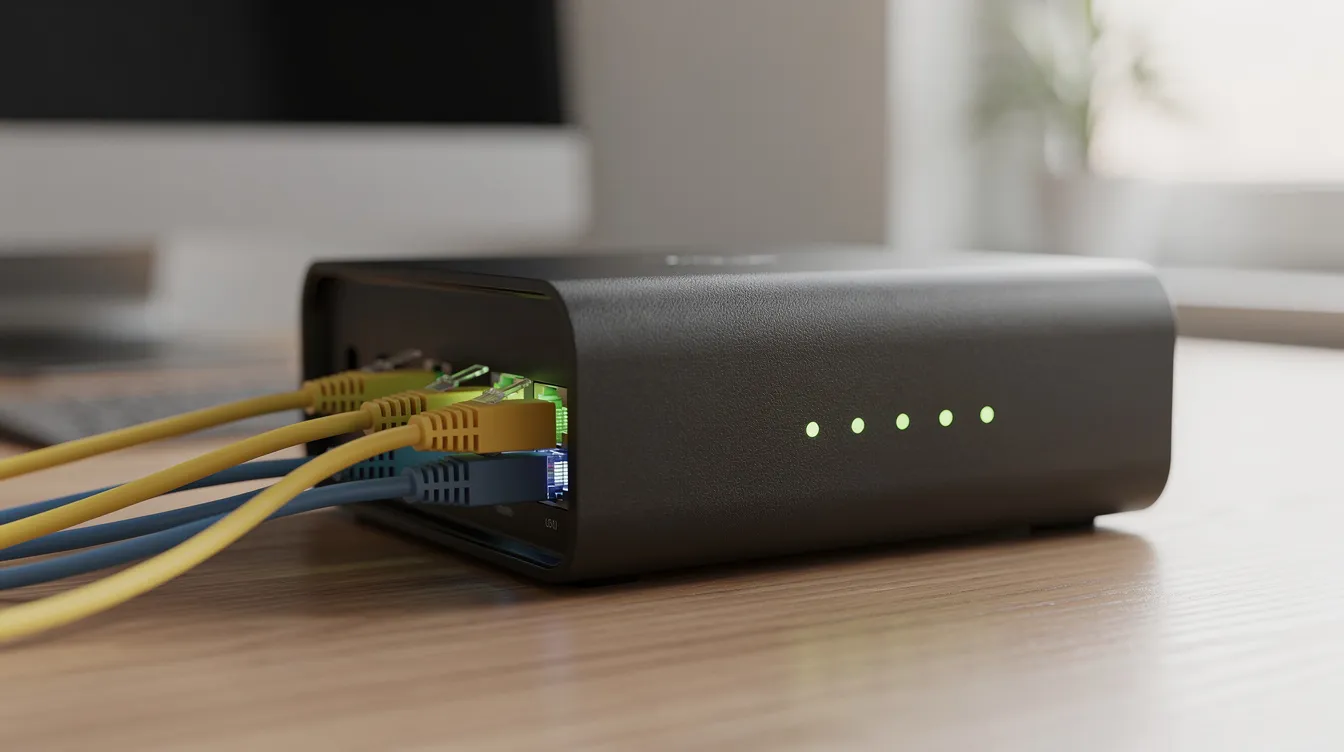
An ADSL-compatible modem or new router (often combined as modem-router)
-
Microfilters for each socket with connected analogue devices
-
Reasonably good internal wiring
Installation is typically self-service: connect the router to your wall socket via the provided splitter, power on, and wait for synchronisation (usually 1–5 minutes). Online postcode checkers from providers like Openreach estimate available speeds based on your distance from the exchange.
Checking and testing your ADSL connection speed
To accurately test your connection:
-
Use a wired Ethernet connection directly to the router
-
Pause all other devices and background downloads
-
Run tests at different times (morning vs. evening peak times)
-
Use reputable tools like Speedtest.net
Access your router’s admin pages (typically 192.168.1.1) to view line statistics including sync rate, attenuation (20–40 dB indicates good quality), and noise margin (below 6 dB suggests instability).
Use cases, limitations and future of ADSL
ADSL remains adequate for basic browsing, email, SD/HD streaming on one or two devices, and light home working. For small businesses with modest needs, it provides reliable internet without requiring infrastructure upgrades.
However, limitations become apparent with modern demands: multiple 4K streams, cloud gaming, large software updates, and heavy upload use exceed what ADSL can deliver.
The UK’s PSTN switch-off (2025–2027) is accelerating ADSL’s phase-out. Openreach is migrating services to all-IP delivery, with some copper lines transitioning to G.fast technology offering up to 300 Mbps over short distances.
Where possible, upgrading to FTTC, FTTP, or cable provides future-proof performance. With UK FTTP coverage approaching 80% by 2026, most users now have alternatives. Yet ADSL remains a practical stop-gap for the remaining areas—understanding how it works helps you make informed decisions during this transition away from copper-based home broadband.